All calculator steps stay open — scroll through and fill what applies to your piece.
Pick base categories (framing / how much of each subject shows), a finish, or comic / frame counts — your mon total shows up here.
1
Base categories
No base categories yet
Count each character or Pokémon by how much of them shows — two full-body subjects count as Full Body ×2 (same table as Mechanics → Mon).
40 monOtherSmall or partial subjects — a paw, tail, wing, or hand study, or a tiny simple Pokémon tucked into the scene.
80 monHeadshotAnything from the head down to mid-torso — faces, busts, and Pokémon head studies.
120 monWaist UpFrom the head down to just above the knees, or the same share of a Pokémon's body.
120 monChibiSimplified, big-head proportions — super-deformed gijinka, round baby-style Pokémon, or high-style art that plays loose with anatomy.
160 monFull BodyAnything showing the knees or lower — head-to-toe gijinka outfits or a whole Pokémon in frame.
2
Subject types
Humanoid ×1
Subject types count per subject: every character or Pokémon in the piece gets its own type. Two humanoids means Humanoid ×2; a humanoid with a Dragonite means Humanoid ×1 and Complex ×1. Each subject adds its multiplier into one sum before it multiplies the base. Keep at least one type checked — same as the Mon guide.
Everyday-animal anatomy with simple shapes — e.g. Rattata, Magikarp, Pidgey, Wooper.
Large or intricate anatomy — e.g. Dragonite, Gyarados, Scizor, layered wings, or detailed Bug, Steel, and Dragon bodies.
Human-shaped subjects — human-form gijinka and human characters. The baseline multiplier.
Upright Pokémon or portrayals with clear animal features — e.g. Lucario, Zoroark, Blaziken, Gardevoir.
Small magical or non-humanoid subjects — e.g. Litwick, Flabébé, Fairy-types, glowing Bug-types. Separate from the base Other category.
3
Finish
Line Art
4
Add-ons
Optional
Simple Prop +120 eachBasic held or worn items — a Poké Ball, Berry, scarf, or simple held item.
Complex Prop +160 eachDetailed items with real design work — ornate held items, Key Stone jewelry, tools, or gear.
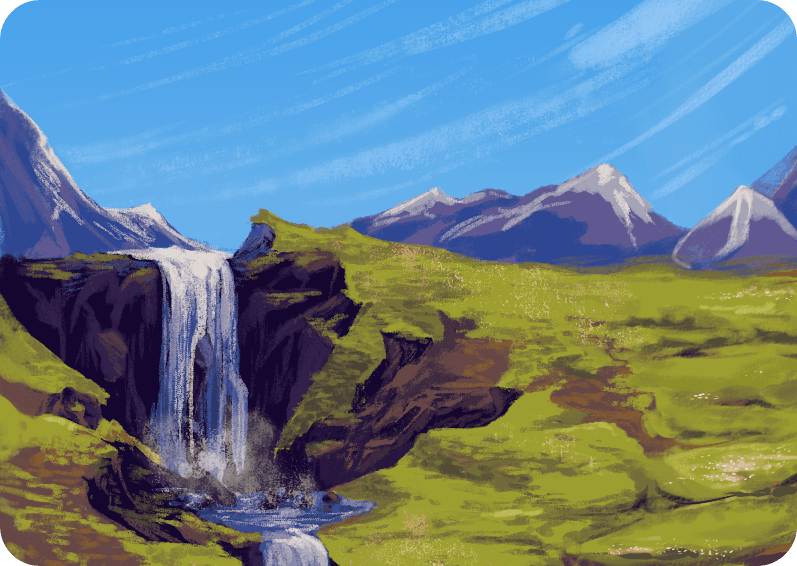
Simple Background +160 eachA background with a few elements — an open route, a sky with light scenery, or a plain room.
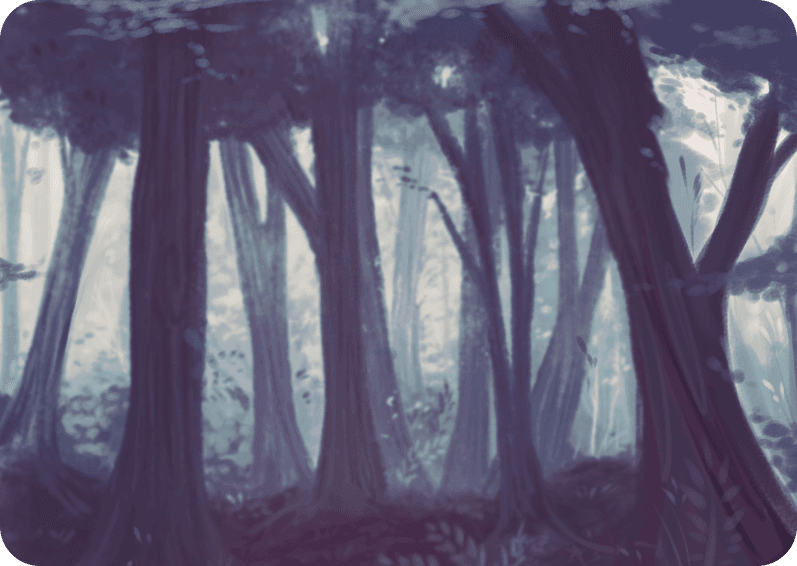
Complex Background +320 eachImmersive scenery — village streets, busy markets, dense forests, detailed interiors, or crowd scenes.
5
Comic or animation
None
Pick one special work type per submission — comic panels or animation frames.


 This week's Pokérus host: shi4ne