
Travelers
How applying works, moderator review, village sheets, and what to send with your application.
Travelers

How applying works, moderator review, village sheets, and what to send with your application.
Arrivals
What this page is forThis page explains how to create a character for Pokimono and get it approved. In fandom communities, a character you create yourself is usually called an OC, short for original character — that's the term used throughout this site.
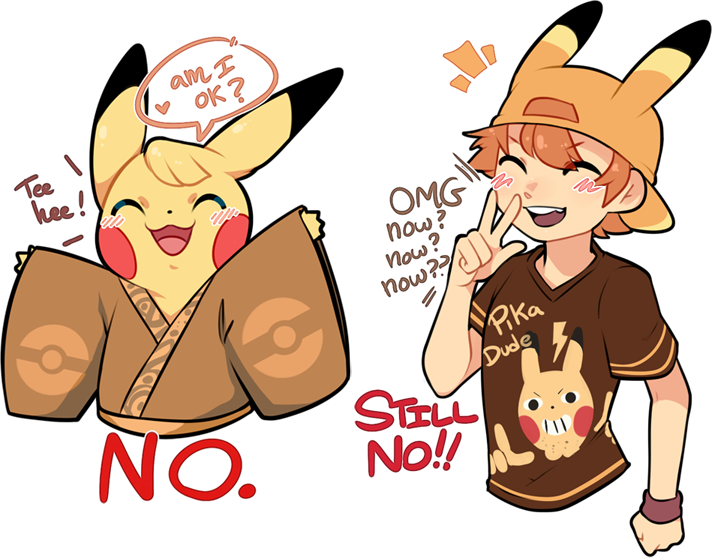
Pokimono is a roleplay group where every character is a gijinka: a mostly-human character based on a Pokémon, with clear Pokémon features such as ears, a tail, or coloring that comes from that Pokémon. The setting is inspired by Edo-era Japan, roughly the years 1600 to 1868.
Below, you'll find: how many members and characters we allow, what a "roster slot" is, blank character sheets you can use to start your art, the full application checklist, and the rules for what is and isn't allowed. If you just want a short list of steps with links instead of the full explanation, use the Join page.
Looking for something else?Your own characters can be found on Profile · Characters. Every approved character in the group can be found in the public Pokédex. Roster statistics and charts can be found under Mechanics → Roster stats. All of these are listed in the site header under Characters.
Review
Read this firstWhen applications open, how moderators review them, what we look for, and the outcomes you may see.
Status
The gate
Do thisTo apply, fill out and submit your character using the Character builder tool on this site — you can do this whenever you are ready. The Join page walks through the same steps in a shorter, quicker-to-read layout.
Do this
Scrollwork
On this partVillage blanks, rules, the builder checklist, and last checks before you submit.
Reference
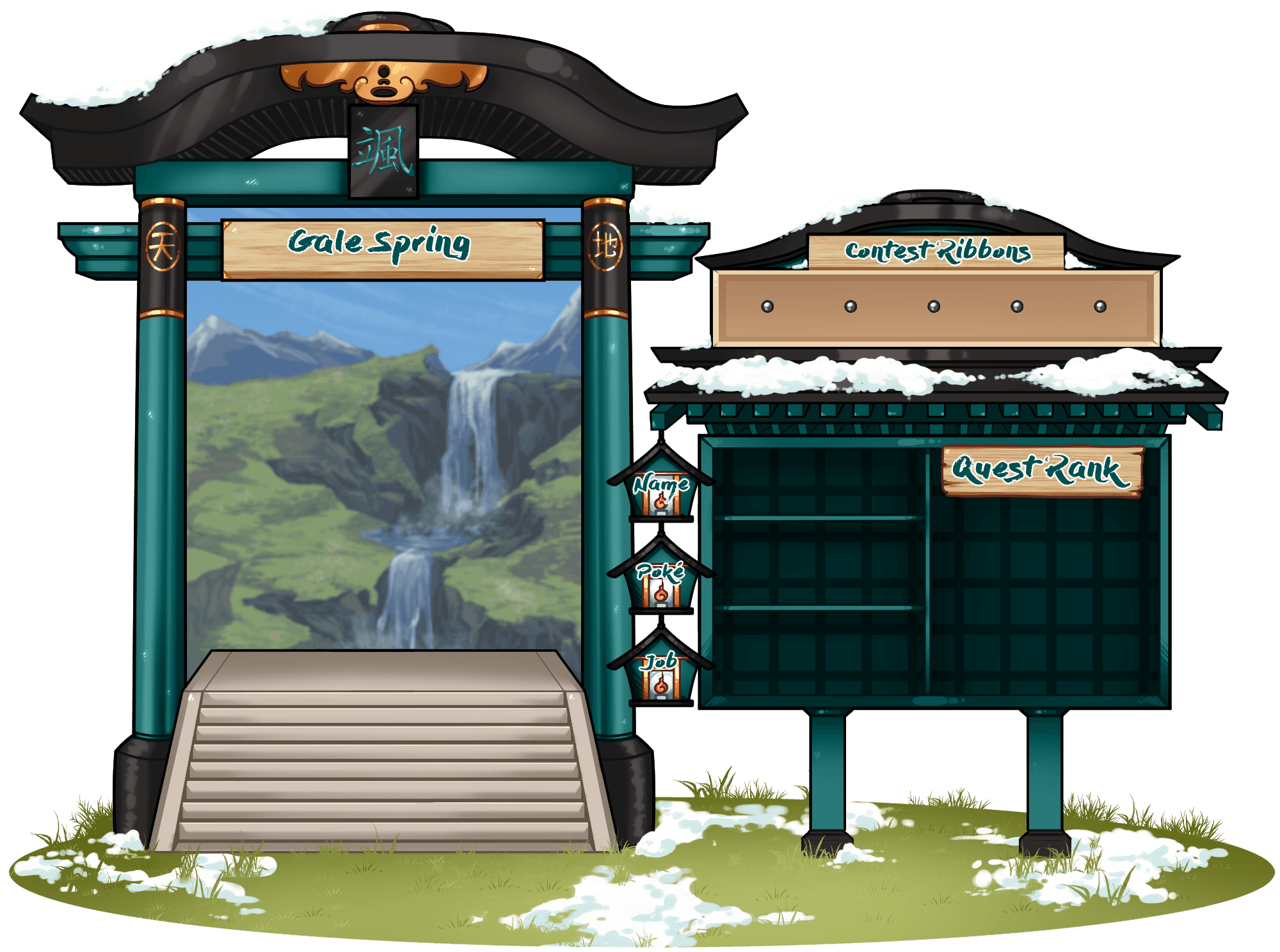
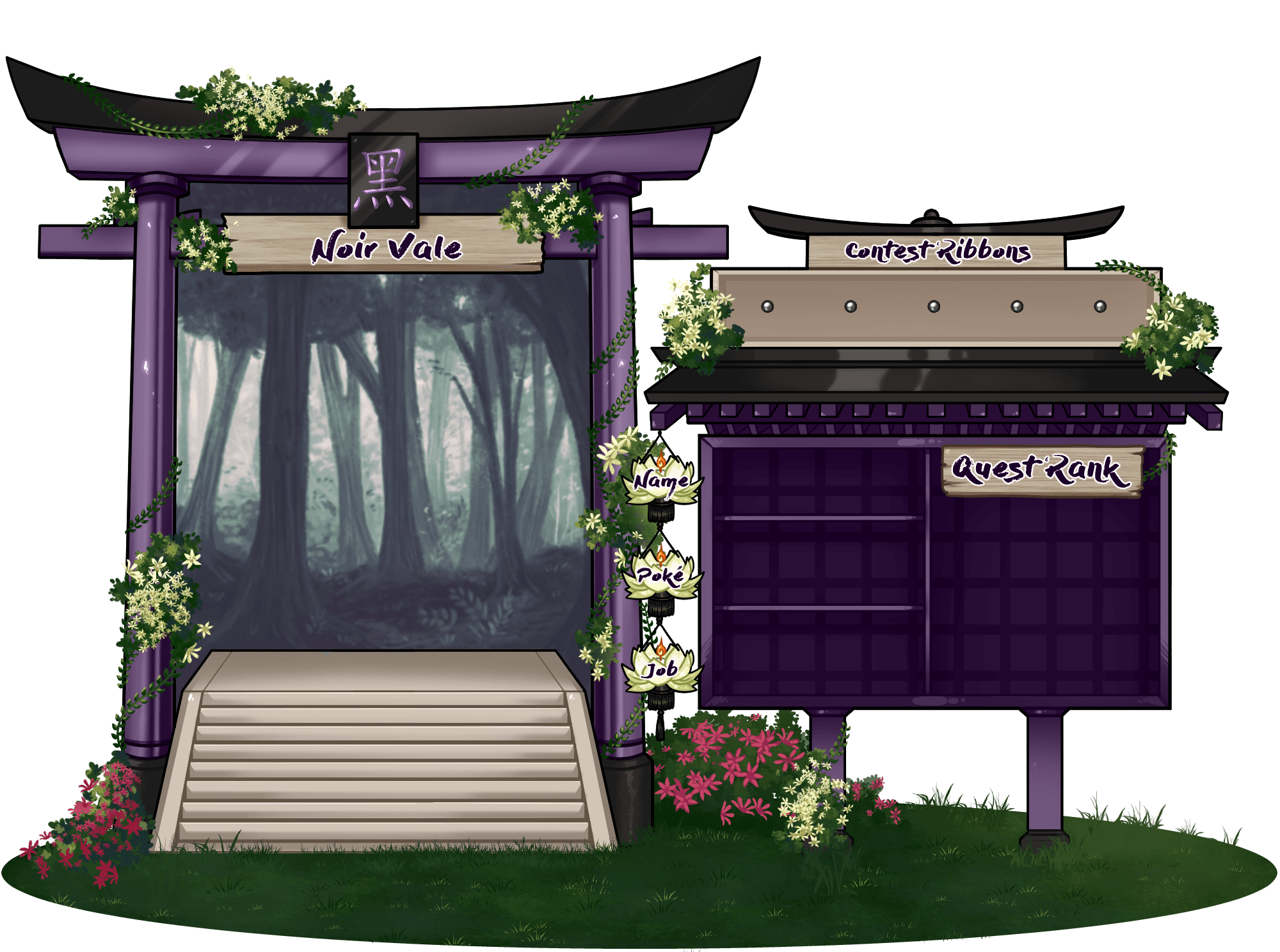
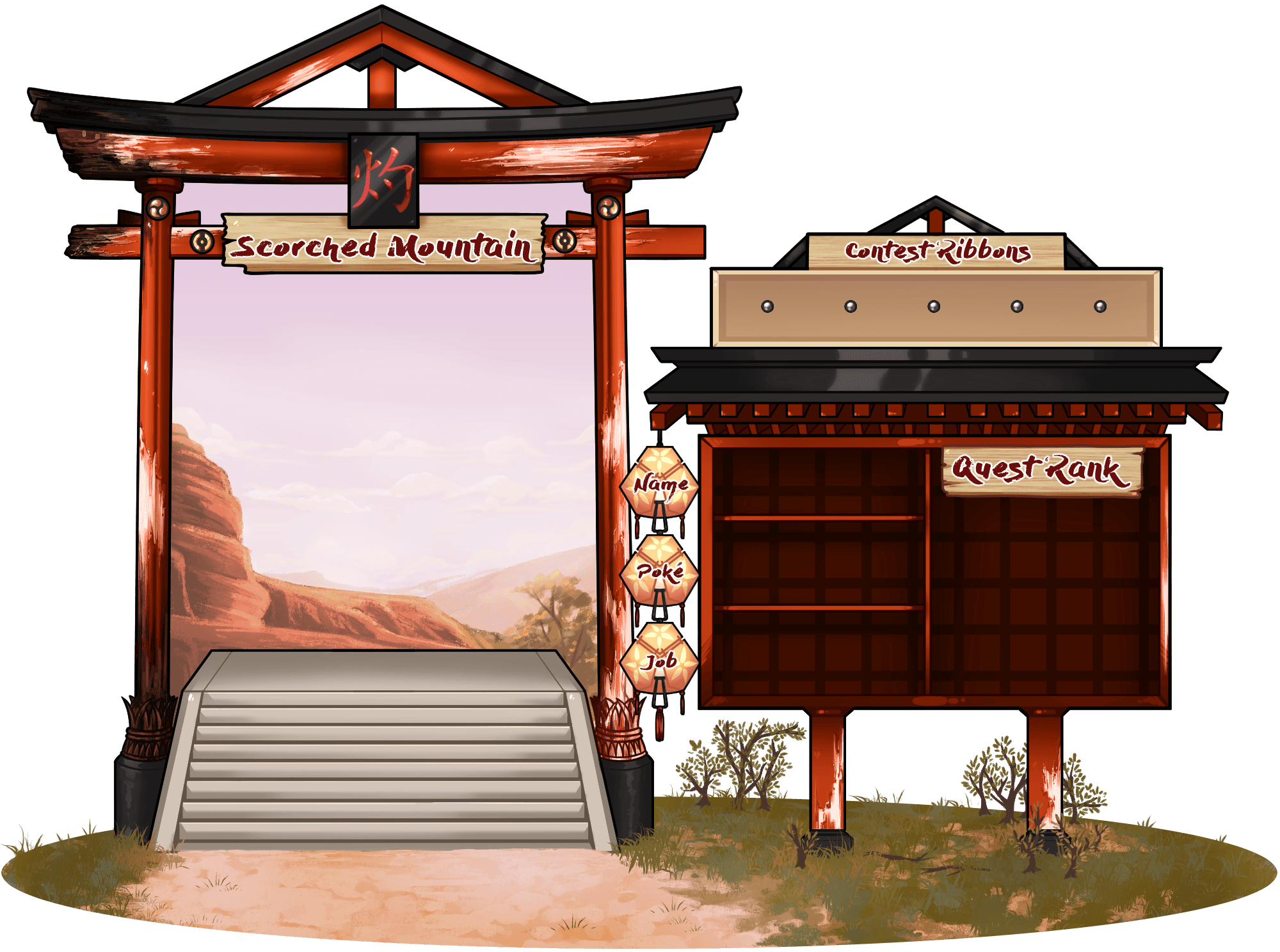
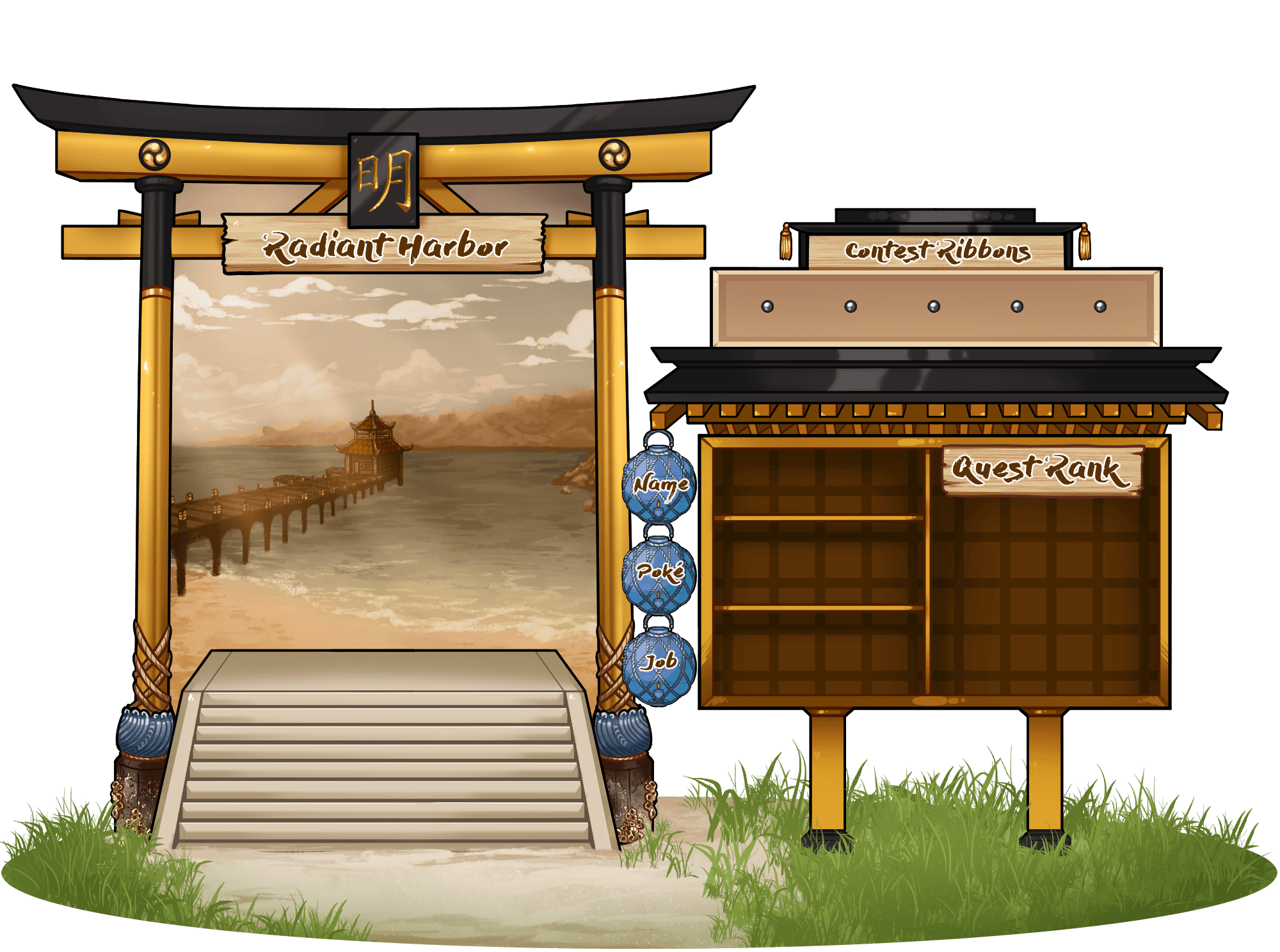
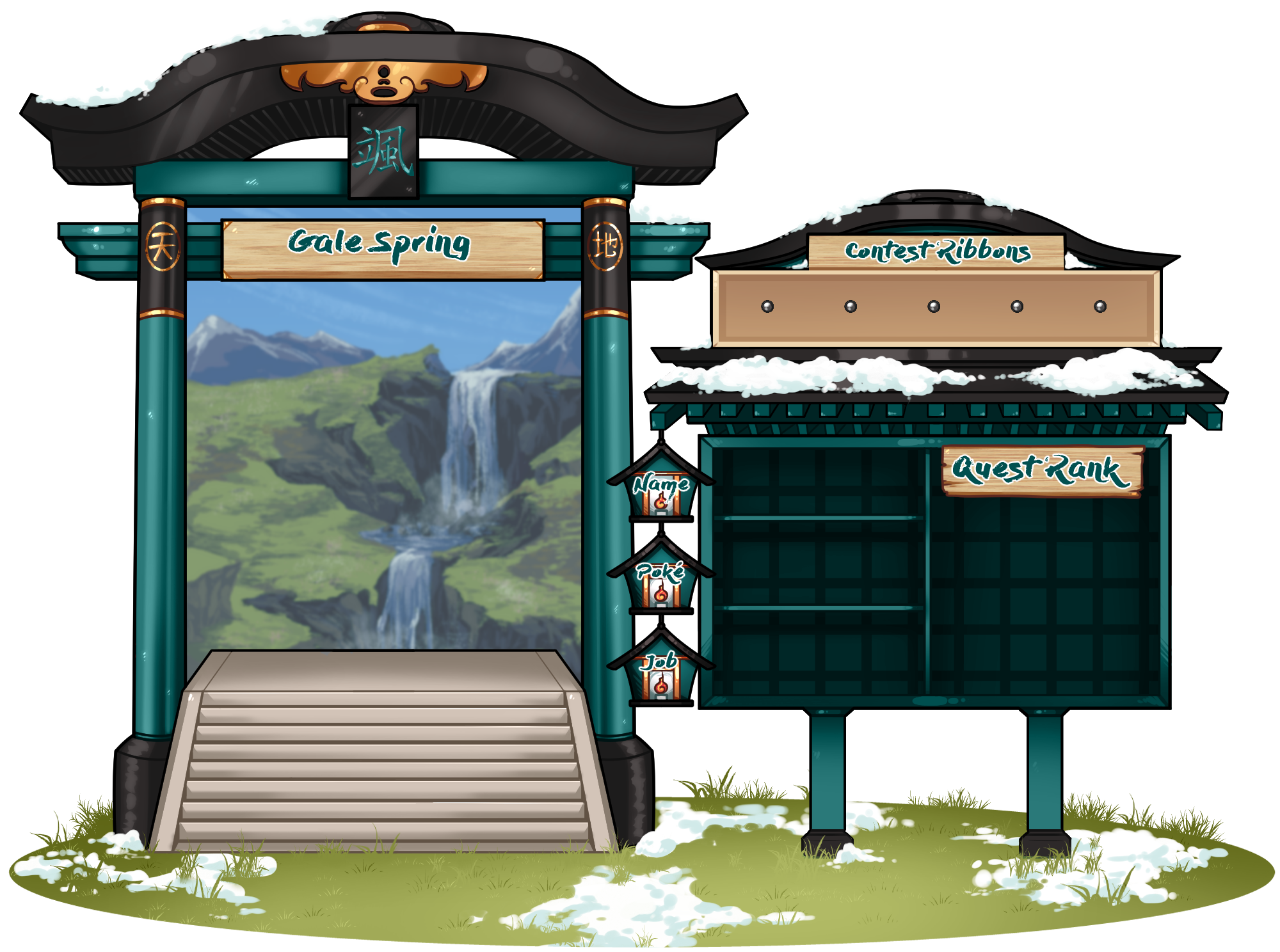
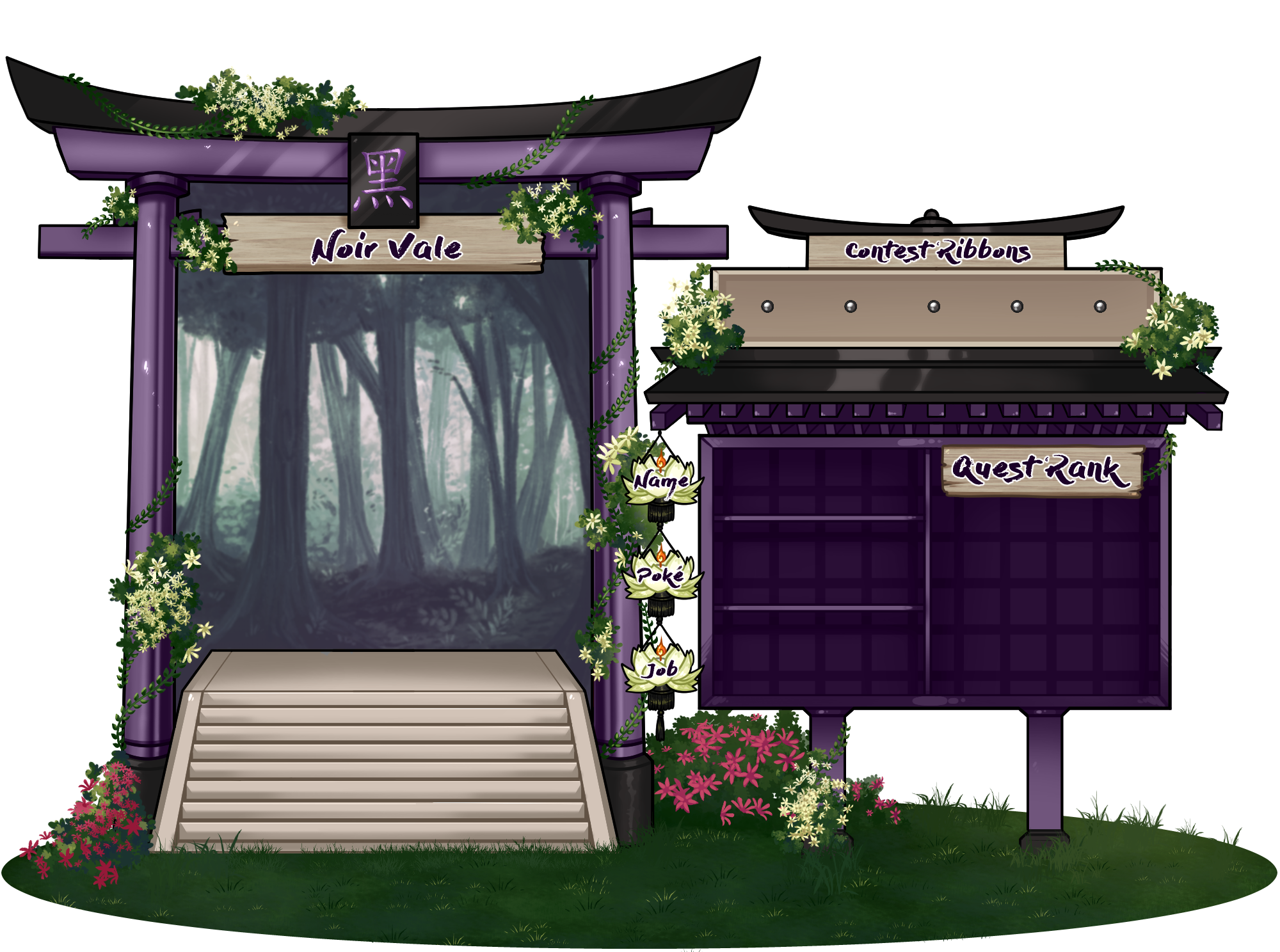
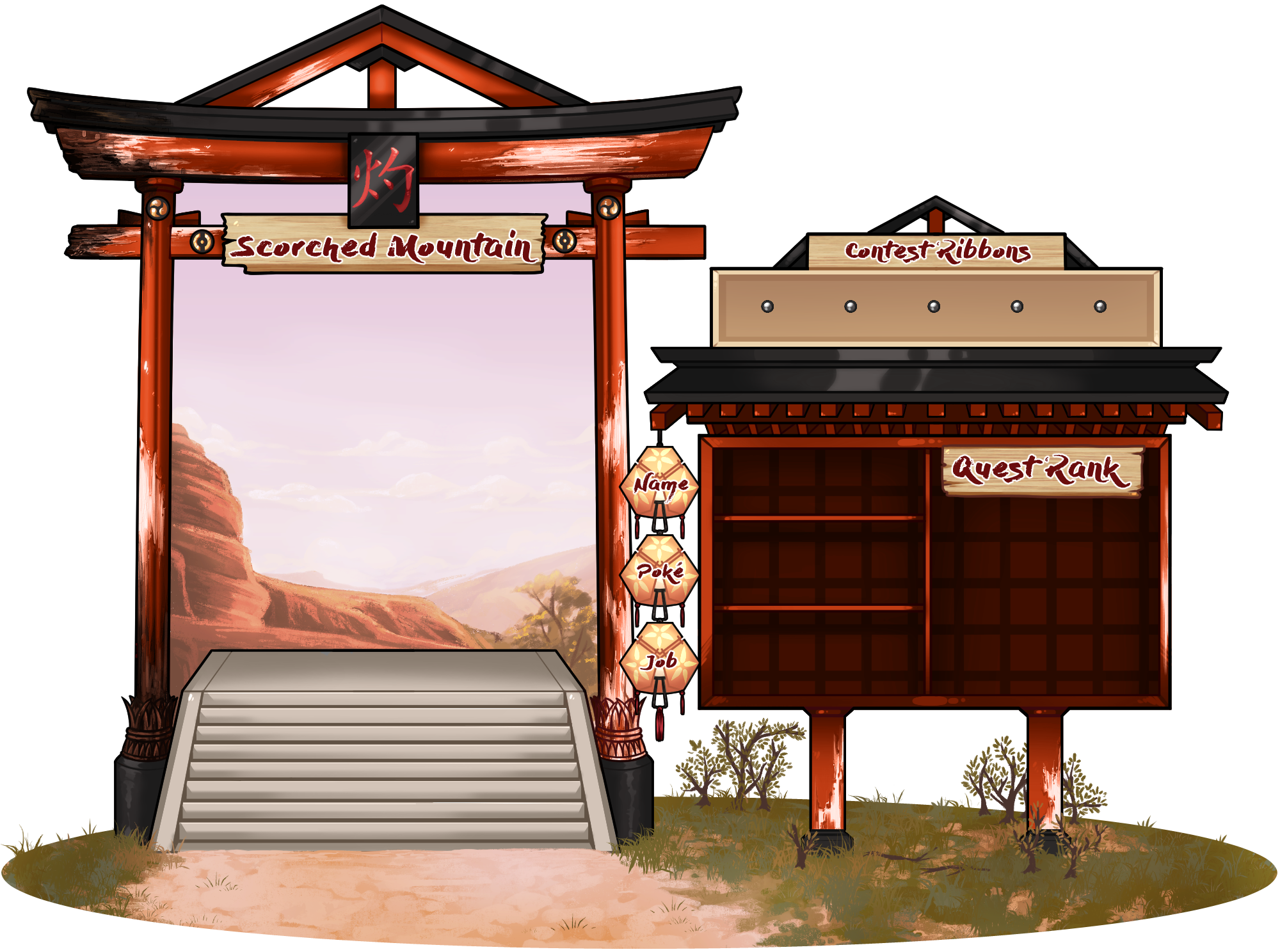
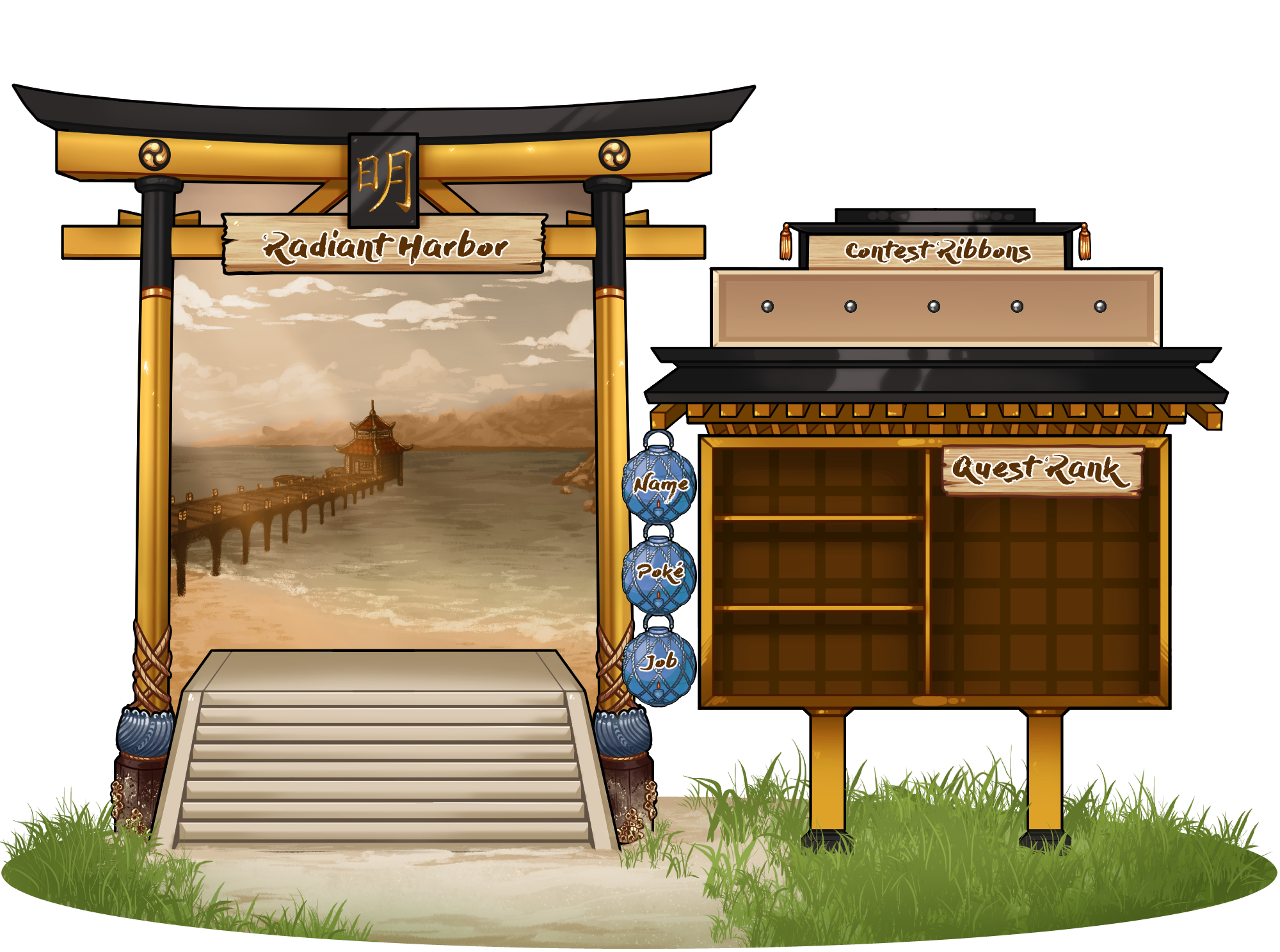
Official PNG blanks match each home village (downloads and previews below). Self-managed: download your village file, finish the layout, and link the completed sheet in the builder. System-managed: use the same PNG as a layout guide, pick System-managed in New character, add HTTPS art links, and use the live preview while the site builds your sheet.
Do this
Status
Submit from the Character builder whenever you are ready. Moderators review applications on this site. Village counts on the home page are built from approved roster characters on this site.
Rule
Use the Character builder to fill in your application fields.
Before you start drawing, keep two things in mind: your character should look mostly human, and their clothing should fit our setting.
Aim for a look that is roughly three-quarters human — most of what you see should be a human body with a human posture, and the Pokémon comes through mainly in color, patterns, and a few physical details (see Wings, tails, claws, ears, and similar traits below for how those details can work). Clothing should fit the villages of the Sun Empire — the nation where Pokimono takes place — see Fashion & dress below for what that looks like.
Your application art should clearly look like Edo-period Japanese clothing (roughly the years 1600 to 1868). You will see some period clothing terms used on this site — you do not need to already know them, and the reference charts below show what each one looks like. A few examples: kosode and kimono-style robes, haori (a short jacket worn over a kimono), hakama (wide pleated trousers or a long skirt-like garment), an obi (a wide sash tied around the waist), geta or tabi (traditional footwear), and formal samurai outfits.
Clothing from before the Edo period is also welcome, as long as it still fits the setting — for example, Heian-era court layers, kariginu, hitatare, or junihitoe-style formal wear, or other ceremonial clothing that was still worn during Edo-period ceremonies.
Nothing from after the Edo period is allowed. That means no Meiji-era or Taisho-era styles (the periods that came after Edo) — for example, Western hats or shoes worn with a kimono, or student-style hakama worn over a kimono. Modern, everyday clothing does not fit the setting either.
Fantasy touches are fine, as long as the basic silhouette still reads as Edo-period or earlier. For example, exaggerated designs inspired by period anime and games set in feudal Japan — such as Inuyasha, Nioh, or Sekiro — are okay, as long as the base outfit still looks period-appropriate underneath.
Charts for Edo and pre-Edo dress. Click an image to open the full reference.


If your Pokémon's species has a distinctive physical feature — wings, a tail, claws, ears, horns, and so on — your character can have that same feature. For example, if the Pokémon has wings, your character can have wings; if it has a tail, your character can have a tail.
Even with these features included, your character's face should still look human, and the character as a whole should keep the same mostly-human balance described above, so the finished art clearly reads as a gijinka.
Character names should have Asian origin or inspiration, and should fit the naming style of wherever your character is from. If your character grew up in the Sun Empire, use a name that fits that setting. If they were born or raised somewhere else, use the naming style of that specific neighboring realm instead — see Other lands — Neighboring realms for the full list of realms you can choose from.
Your character's name does not need to have a deep meaning, or any meaning at all. You can invent a name from scratch, as long as it still sounds like it fits that culture's naming patterns.
Rule
Pokimono limits how many people can join, how many characters each village can hold, and how many characters each person can have. Here is what those limits mean, and where the current numbers stand.
60
Group members
The total number of people who can be members of Pokimono. You become a member — and get the Civilian role on Discord — once moderators approve your first character.
25
Characters per village
How many approved characters each village can hold at once. Current numbers for every village are shown just below.
6
Characters per member
How many characters one person can have at once: one main character, plus up to five extra characters called alts (short for "alternate characters").
Each character you own — your main or any alt — takes up one of your character "slots," and also counts toward that character's village population limit above.
Live countsThe numbers below update automatically. They show: how many group members we currently have (Discord accounts with the Civilian role, which is added when moderators approve your first character application on this site), and how many approved characters each home village currently has (the same counts shown on the home page). These numbers refresh automatically while you keep this tab open.
15 / 25
15 / 25
15 / 25
15 / 25
ReferenceBuying extra character slots
If you want more character slots than the free amount above, you can buy them in the Mon Shop, the site's shop for spending in-game currency you have earned. Listings for extra slots and related credits can be found on Mechanics → Shops. Each listing shows its price and anything you need before you can buy it.
See alsoChecklist and rules: Application rules · Application form · Retire, withdraw & delete
Do this
There are three different actions you can take on one of your characters, depending on what you want to happen to it: Retire, Withdraw, and Delete. Each one is explained below. You'll find the buttons for all three at the bottom of each character card on Profile → Characters. If you use Discord, you can also type /character retire or /character delete there, as long as you're signed in to the site with that same Discord account.
Use Retire for a character that has already been approved and is on the public roster. When you retire a character:
Retiring a character does not have to be forever. We plan to add a way to bring a retired character back onto the public roster later on — that option is not available yet, but it is coming. In the meantime, if you want to permanently remove the archived record instead of keeping it, use Delete on the retired character's card.
Use Withdraw for an application that has not been decided on yet — one marked pending or needs changes. Withdrawing removes the application from the moderator review queue, deletes its Discord review thread if it has one, and frees up your character slot right away.
Use Delete when you want a character gone for good. This works on a character in any state — approved, retired, rejected, or declined. Everything saved for that character is permanently removed from Pokimono and cannot be brought back. If the character was approved, you will be asked to type their name to confirm, so this doesn't happen by accident.
If you only want to free up a slot but keep a saved record you can look back on later, use Retire instead of Delete.
WarningWhen Retire or Delete won't work yet
A few situations will temporarily block Retire or Delete on a character:
Pokimono applications open on September 30, 2026 and stay open for at least 7 days.
If we have not received enough applications to fill our 60-member cap by the end of that week, applications stay open until the group is full.
Once the group reaches 60 members, the character builder accepts new applications from current members (for alts) only. New member applications reopen whenever a spot opens up.
Reference
StatusPlease be patient
We work through the review queue in turn. We appreciate your patience while all moderators review each application.
Rule
When we decide whether to approve an application, we look at:
ReferenceWhat we do not grade
Artistic skill and application length are not graded. A simple, clearly presented character can be just as successful as a more detailed one.
Roster balance is an important part of final decisions. We may consider village populations, jobs, species, character archetypes, and how many similar applications we receive. For example, if we receive a very large number of applications for the same village and job, we may prioritize equally strong applications that bring more variety to the group.
Status
Your application may be:
WarningCheck before you submit
Please carefully check your application before submitting it. Resubmissions re-enter the queue from the back.
Meeting all basic requirements does not guarantee acceptance. Final decisions consider the complete application, community fit, available space, and the long-term health of Pokimono. Moderators may decline applications that are not a good fit for the group, including circumstances not specifically covered by these guidelines.
Our goal is to make the process as consistent and transparent as possible while building a balanced, welcoming, and sustainable community.
ReferenceConduct, design limits, and village changes after you join: Community rules.
Warning
Use Download PNG, or right-click an image if your browser does not start a download. Collapse this block if you only need the rules below.
Rule
More detail on fakemon and typing: Rules → Can I make a fakemon, change a Pokémon's typing, or invent my own variant?
You cannot apply with a shiny character. New applications can never use shiny (alternate) coloration. The Character builder will not even show you a shiny option until moderators have specifically approved shiny for that character.
Shiny has to be earned after your character already exists on the roster — it is not something you can pick when you first apply. You can earn it by petitioning the Arceus Shrine, taking part in announced events, or receiving it directly from a moderator when it fits your character's story. (Legendary and mythical species follow their own separate rules for who can have one — shiny is only ever a different color palette for a species you already have.)
Once moderators say yes, open Edit biography for that character. Draw new full-body and icon reference art showing your character in their shiny colors, check the box labeled Show shiny palette on my public character record, and click Submit shiny palette for mod review. Your character's public roster page, Pokédex entry, and profile will all switch to the shiny art once a moderator approves it.
Shiny is only a visual look for your character on the roster — it is different from a Mega Evolution. It does not change your character's species, moves, or battle stats. Unlike Mega Evolution, there is no held item or Discord command involved; it is purely the art update described above, reviewed by a moderator.
Once your shiny palette has been approved and is showing on your public character record, keep using that same approved art in any group art you make afterward. There is currently no way for members to turn the shiny mark back off themselves from Edit biography.
Full FAQ: Rules → Can my character be shiny?
If moderators approve a new look for your character — a Mega Evolution, a regular evolution, another official form, or a shiny palette — you need to submit updated full-body and icon art. Do this from Edit biography on that character's profile, within two weeks of the moderators confirming the change (or by whatever date they give you instead). Once a moderator reviews it, the site will show your character's new look everywhere.
Legendary, mythical, and Paradox Pokémon (rare, powerful species from the games) cannot be picked on a normal application — they have to be earned instead. Ways to earn one include taking part in events, receiving a shrine wish, or something announced on News. To see which of these species are already taken and which are still available, check Characters → Legendaries.
Art quality is not graded on any application. Originality and effort matter most.
Do this
Every application is submitted on this website, through the Character builder tool. Open New character, fill in every section below, then click Submit application. The sections below are listed in the same order they appear in the builder, so you can follow along. Once your character is approved, you can come back and update these fields any time on Profile · Characters. If any required field is left blank, the application will be declined.
RuleNames must follow the rule explained under Names in Character design above.
ReferenceHome village is where your character lives right now in the Sun Empire — it does not have to be where they were born. For what each village is like and which jobs it offers, see the Village pages and the list of jobs. For what each ability does, see Bulbapedia's Abilities page (an outside Pokémon reference site). The move list in the builder matches your species' level-up moves plus its "egg moves" (moves passed down from a parent), using the most recent main-series games — including egg moves available earlier in that Pokémon's evolution line.
OptionalMod-only notes — a separate field in the Character builder for plot points you plan to unveil in RP later, or anything else mods should know that should stay off the public character page. Only you and mods can read it on the site record; it is not part of the public story fields and does not count toward the word guideline below.
RulePersonality, history, and additional info together can total up to 2,000 words. Split the length across those fields however fits your character — the limit applies to the combined total. The Character builder shows a live word count as you write.
OptionalYou may link external references in your story fields — for example a heart chart, extended notes, or other supporting material. Moderators review only what is submitted in the Character builder; linked pages and files outside the application are not part of the review.
RuleYour character's home village is in the Sun Empire, so that is where they live now. Your history can say they were born or raised somewhere else — that is fine — but if so, it has to be one of the specific neighboring realms listed on Other lands — Neighboring realms: Jade Imperium, Soul Kingdom, Bronze Coast, Floating Plains, or Azure Isles. Places not on that list are not part of the Pokimono setting.
Reference
Village, job, and roster changes: Rules → Changing village, job, or roster details.
Questions: Community rules (Questions section). Good luck with your characters. Application sheet layout thanks to cataxa; logo thanks to Capriicant.


More outfit examples: Pokimono clothing examples (Pinterest). More reading: tanuki kimono — Edo era tag.